
The laptop market in 2026 puts buyers in a tough spot: hundreds of models, processor confusion, marketing promises of “up to 30 hours of battery life” — and the feeling that it’s impossible to figure out without a technical degree.
But in reality, choosing a laptop is a logical process. If you know a few key principles, the decision becomes obvious in 15 minutes. This guide is exactly about that.
Step 1 — Define Your Tasks Before Looking at Specs
The most common mistake: buying a laptop based on price or brand without thinking about tasks. The right approach is the opposite.
Write down the 5 main things you’ll do on the laptop. This determines everything: the power you need, size, battery life, and budget.
Typical use cases:
🖥 Office and work — documents, spreadsheets, Zoom, email, browser with dozens of tabs. You need reliability and a comfortable keyboard, not maximum power.
🎓 Studying — lectures, notes, presentations, online courses. Lightness, battery life, and an eye-friendly display matter most.
🎨 Design and video — Adobe Photoshop, Premiere, Figma. You need a quality color display and a dedicated GPU.
💻 Programming — IDE, Docker, multiple projects simultaneously. RAM and SSD speed matter more than a GPU.
🎮 Gaming — a dedicated GPU is essential, high display refresh rate, cooling system.
Step 2 — Understand the Key Specs
Processor — The Brain of the Laptop
In 2026, the key platforms are:
Intel Core Ultra (Series 2, 3) — new generations with built-in NPUs (neural processing units) for AI tasks. Core Ultra 5 is suitable for work and study, Core Ultra 7–9 — for demanding creative tasks.
AMD Ryzen AI 300/400 — strong competition for Intel. Excellent performance per watt, long battery life. Ryzen 5 — a good choice for a work and study laptop, Ryzen 7/9 — for more demanding tasks.
Apple M4 / M4 Pro — a separate category. Best energy efficiency in the industry, but only available in MacBooks.
Which processor is best for a laptop in 2026? For everyday tasks — any modern Core Ultra 5 or Ryzen 5. For demanding work — Core Ultra 7/9 or Ryzen 7/9. If your budget allows and you like macOS — Apple M4.
TechVisor tip: don’t chase the most powerful processor if you’ll be using the laptop for office tasks. Core i5 / Ryzen 5 will handle everything and costs twice as little.
RAM — How Much Do You Actually Need
8 GB — the minimum in 2026. Enough for basic tasks, but already tight when running multiple programs simultaneously.
16 GB — the sweet spot for most users. Comfortable work, several open browser tabs, light photo editing. This is what most experts recommend as the minimum standard for 2026.
32 GB — for developers, video editors, and designers with demanding projects.
Important: due to rising memory prices (LPDDR6 shortage driven by AI demand) in 2026, laptops with 16 GB are getting more expensive. But saving on RAM now means slowdowns within a year.
SSD Storage — Type and Capacity
SSD is mandatory — a laptop with an HDD in 2026 is simply not worth considering. The speed difference is 5–10 times.
How to choose an SSD for a laptop:
- 256 GB — not enough, the OS and a few programs will fill it up fast
- 512 GB — the minimum comfortable capacity
- 1 TB — if you store photos, videos, and projects
SSD type: NVMe PCIe 4.0 — the modern standard, significantly faster than older SATA SSDs.
Display — What to Look For
Size:
- 13–14″ — ultrabook, ideal for travel and daily carrying
- 15.6″ — the most popular, a balance between compactness and working comfort
- 17″ — replaces a desktop PC, but heavy to carry
Resolution: minimum Full HD (1920×1080). 2K and 4K — for creative work, but consume more battery.
Panel type:
- IPS — good colors, wide viewing angles, affordable price
- OLED — perfect blacks, vivid colors, but more expensive and may have burn-in
- TN — cheap, fast response, but narrow viewing angles and washed-out colors — avoid
Refresh rate: 60 Hz — minimum. 90–120 Hz — noticeably smoother even for non-gaming tasks. 144+ Hz — for gaming.
GPU — When You Need a Dedicated Card
Integrated graphics (Intel Iris Xe, AMD Radeon) is sufficient for: documents, browsing, video calls, watching movies, light photo editing.
A dedicated GPU (NVIDIA GeForce RTX) is needed for: gaming, heavy video editing, 3D modeling, AI model training.
RTX 4060 — a good minimum for a gaming laptop in 2026. RTX 4070/4080 — for maximum quality.
Battery and Battery Life
Manufacturers write “up to 20 hours” — reality is usually 50–60% of the stated figure during active use.
What the numbers actually mean:
- 8–10 hours — minimum for a comfortable workday
- 12–15 hours — excellent battery life
- 20+ hours — record figures from new ARM processors (Apple M4, Snapdragon X)
Important factor: ARM-architecture processors (Apple M4, Qualcomm Snapdragon X Elite) deliver significantly better battery life than traditional x86 Intel/AMD processors.
Laptop vs Desktop — Which Is Better
A common question, and the answer depends on your situation.
A laptop wins if you:
- Move around frequently or work outside the home
- Value mobility — from the couch, a coffee shop, or in transit
- Don’t have a dedicated space for a desktop PC
A desktop wins if you:
- Work exclusively from home
- Need maximum power for minimum cost
- Plan to upgrade components in the future
Compromise option: a laptop for working at home + an external monitor. You get mobility and a comfortable workstation.
MacBook vs Windows Laptop — Which Is Better
A fundamental question that divides buyers into two camps.
MacBook (Apple M4) is the right choice if you:
- Already have an iPhone and/or iPad — the Apple ecosystem provides significant advantages
- Need the best battery life — MacBook Air M4 genuinely lasts 15–18 hours
- Plan to keep the laptop 5–7 years — Apple supports its devices for a long time
- Your apps are available on macOS
A Windows laptop is right if you:
- Need specific Windows-only software
- Care about gaming potential — macOS is significantly worse for games
- Are on a budget — for the price of a MacBook Air you can get a very powerful Windows laptop
- Are used to Windows and don’t want to re-learn
How to Choose a Laptop for Work and Study
Minimum configuration for 2026:
- Processor: Intel Core Ultra 5 or AMD Ryzen 5
- RAM: 16 GB
- SSD: 512 GB NVMe
- Display: 15.6″ FHD IPS, 60–120 Hz
- Battery life: 8+ hours of real-world use
Recommended models:
Lenovo IdeaPad 5 / Acer Aspire 5 — classics of the budget segment. Reliable build, sufficient performance, official warranty. From $450–550.
HP Pavilion / HP ProBook — good keyboard, stable performance. ProBook — corporate class, more reliable build. From $550–750.
ASUS VivoBook 15/16 — wide range of configurations, good value for money. From $450–625.
Apple MacBook Air M4 — if your budget allows and you need unmatched battery life. From $1099.
How to Choose a Laptop for Students
A student needs something different from an office worker: lightness, battery life, and durability.
Key priorities for a student:
- Weight under 1.8 kg — so carrying it every day doesn’t wear you out
- Battery life 8–12 hours — to get through the day without hunting for an outlet
- Display 13–15″ — compact but comfortable
- Reliable keyboard — for lectures and notes
TechVisor recommendation for students:
Lenovo IdeaPad 5 14 or ASUS VivoBook 14 — an excellent balance of lightness, price, and specs. From $450–550.
MacBook Air M4 13″ — if the budget allows. Best battery life, lightweight, durable. Will last through the entire time at university.
How to Choose a Gaming Laptop
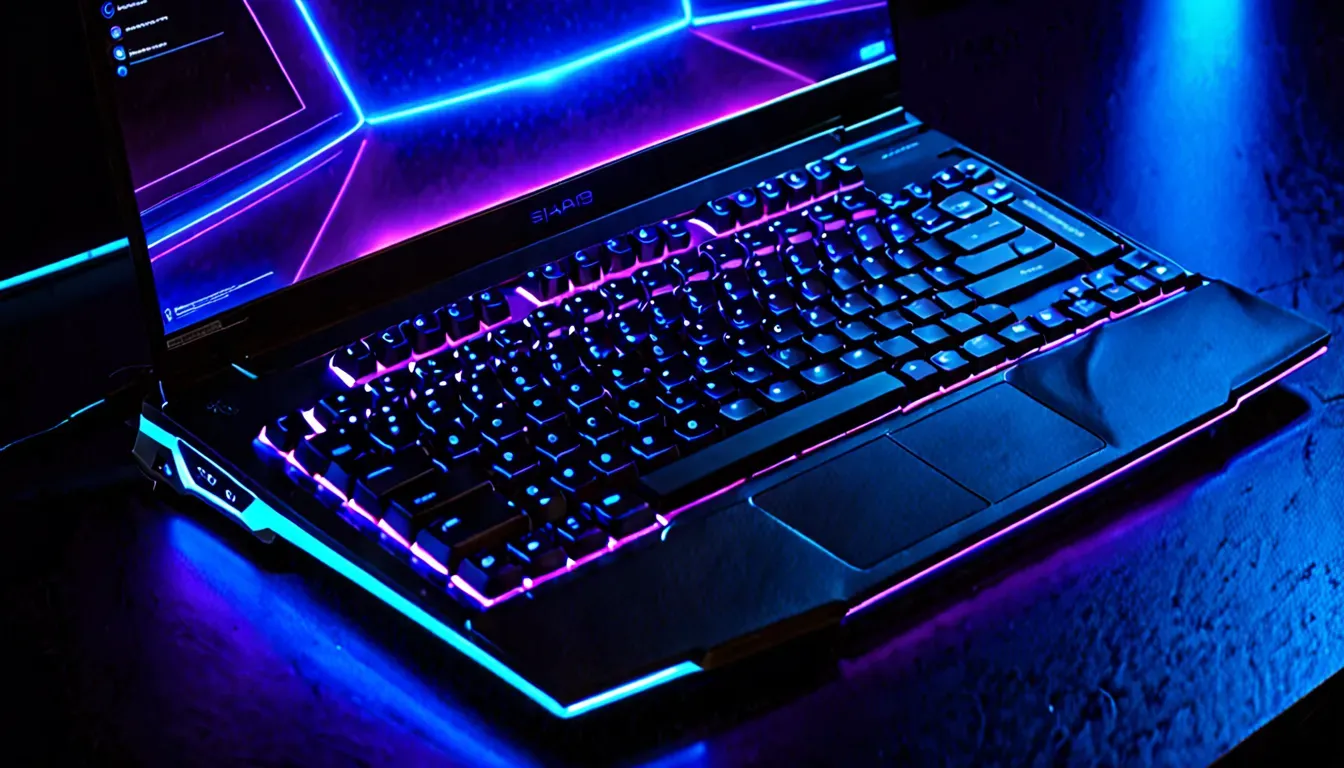
A gaming laptop is a separate category with different priorities.
What matters for gaming:
GPU — the main criterion. RTX 4060 — the minimum for comfortable gaming at 1080p. RTX 4070 — for higher settings.
Display: 144 Hz minimum, 165–240 Hz — even better. Size 15.6″ or 17.3″.
Processor: Intel Core i7 or AMD Ryzen 7 — sufficient for gaming.
Cooling: gaming laptops run hot — check reviews for temperatures under load.
RAM: 16 GB — minimum. 32 GB for streaming and to prevent future slowdowns.
Recommended gaming laptops 2026:
Lenovo LOQ 15 (Ryzen 5 + RTX 4060) — excellent price-to-performance ratio for gaming. From $850–1000.
Lenovo Legion 5 (Core i7 + RTX 4060) — a more powerful version for those who want headroom. From $1100–1400.
Acer Nitro V 16 — a budget gaming option with solid performance. From $700–875.
ASUS ROG series — for maximum performance. From $1500+.
How to Choose a Laptop for Programming
Developers have specific needs — and they often don’t match what’s marketed as a “programmer’s laptop.”
What really matters:
RAM — the most critical parameter. 16 GB minimum, 32 GB if you run Docker, multiple IDEs, and a browser simultaneously.
SSD — NVMe is mandatory, ideally 1 TB. Compilation and node_modules eat up space fast.
Processor — any modern Core Ultra 7 or Ryzen 7. Apple M4 Pro — if you’re ready for macOS.
Display — for a programmer, resolution and eye comfort matter. 1920×1200 or 2K, matte finish.
Recommendations for programmers:
Lenovo ThinkPad E series — a proven, reliable keyboard; ThinkPad is the developer standard. From $750–1000.
Apple MacBook Pro M4 — if budget allows. The best development ecosystem, long-term support, incredible performance. From $1999+.
How to Choose a Laptop for Graphic Design
Designers have a unique requirement — a quality color display. Without it, even the most powerful laptop is useless for serious work.
What is critically important:
Display: minimum 100% sRGB, ideally 100% DCI-P3 or AdobeRGB. OLED — ideal. Matte anti-glare coating — essential.
RAM: 16–32 GB depending on the complexity of projects.
Dedicated GPU — for video editing and 3D; integrated graphics is enough for UI design.
Recommendations:
ASUS ProArt series — specifically for creative professionals, factory-calibrated displays. From $1250+.
Apple MacBook Pro M4 — widely used among designers thanks to the quality Liquid Retina XDR display.
Laptop vs Tablet — Which to Choose
An interesting question for 2026, where the line between devices is blurring.
A tablet (iPad Pro, Samsung Galaxy Tab S) works if you:
- Primarily consume content — reading, video, social media
- Need a light device for drawing and note-taking
- Can afford both a tablet and a laptop for different tasks
A laptop remains the better choice if you:
- Have real work to do — documents, code, editing
- Need a full operating system
- Type a lot — a tablet keyboard is no substitute for a laptop keyboard
How to Choose a Power Bank for a Laptop
If your laptop charges via USB-C (most modern models do) — a power bank becomes a convenient lifesaver.
What you need:
- Capacity of at least 20,000–30,000 mAh — enough to fully charge a laptop at least once
- USB-C PD (Power Delivery) support from 45–65W — less powerful units will charge too slowly
- Check the maximum charging wattage of your laptop — it should match the power bank
Note: most airlines allow power banks up to 100Wh in carry-on luggage — check the rules before flying.
Where to Buy a Laptop and How to Avoid Mistakes
Official channels:
- Amazon / Best Buy — largest selection, official warranty
- Authorized brand stores — guaranteed genuine products
- Official retailer websites — wide range, installment plans available
Pre-purchase checklist:
- Verify there is an official manufacturer warranty (not just a store warranty)
- Watch 2–3 video reviews of the specific model on YouTube
- Read buyer reviews — especially about heat and fan noise
- Check the weight — numbers on a website and the real experience of carrying it differ
- Find out whether RAM can be upgraded — some models have soldered memory
Frequently Asked Questions (FAQ)
Which laptop is best to buy for work in 2026? For most office tasks: Intel Core Ultra 5 or Ryzen 5, 16 GB RAM, 512 GB SSD. Great choices — Lenovo IdeaPad, ASUS VivoBook, HP Pavilion in the $450–750 range.
What is the optimal laptop configuration for study and work? Core i5 / Ryzen 5, 16 GB RAM, 512 GB SSD, 15.6″ FHD IPS. The laptop should weigh under 1.8 kg and hold a charge for 8+ hours.
Which is better — MacBook or a Windows laptop? MacBook wins on battery life and longevity. A Windows laptop wins on gaming potential, price, and compatibility with corporate software.
How to choose a gaming laptop? Minimum RTX 4060, 16 GB RAM, 144+ Hz display. Check the cooling system — gaming laptops run hot. Lenovo LOQ and Legion, Acer Nitro V — proven options.
How much RAM does a laptop need in 2026? 16 GB — the comfortable minimum for any tasks. 32 GB — for developers and video editors.
How to choose a processor for a laptop? For everyday tasks — Core Ultra 5 or Ryzen 5 is enough. For demanding work — Core Ultra 7/9 or Ryzen 7/9. Apple M4 — if macOS suits you.
Conclusion — The Laptop Selection Algorithm
Instead of getting lost in specs — here’s a simple algorithm:
- Define your tasks — office, study, gaming, design, programming
- Set a budget — a realistic one, including a mouse, bag, and possibly a monitor
- Choose the minimum configuration for your tasks — processor, RAM, SSD
- Pick 3–4 candidates within your budget on retail sites
- Watch reviews on YouTube for each model
- Check buyer feedback — especially about heat, noise, and real-world battery life
- Buy from an authorized dealer with a manufacturer warranty
A well-chosen laptop lasts 4–6 years. Spend an hour on the decision — and save years of frustration and money on a replacement.
At TechVisor we regularly publish tech reviews. The next article — “Smart Home — Where to Start in 2026“.
Article prepared by the TechVisor team — practical IT media for people.