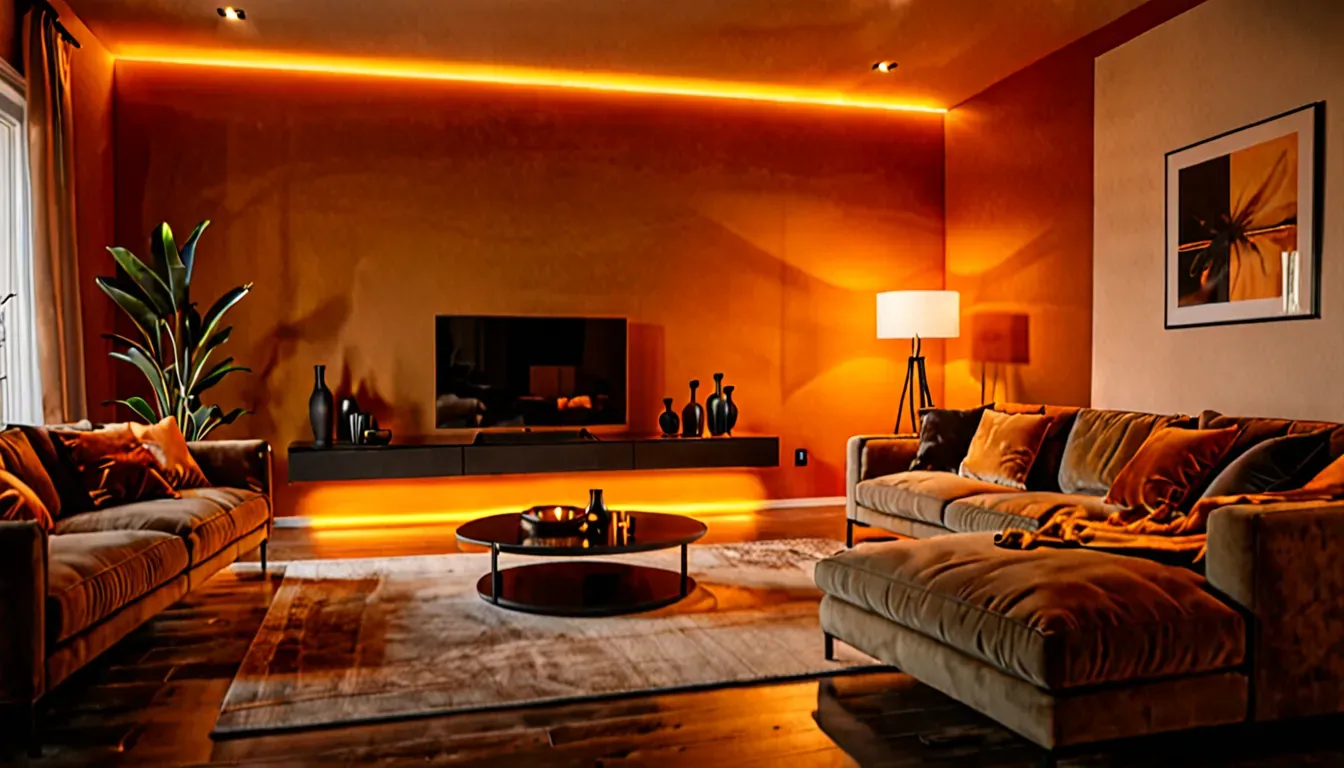

Just ten years ago, a smart home was associated with science fiction or billion-dollar budgets. Today you can take your first step toward home automation spending less than you would on a smartphone.
But where do you start when there are thousands of gadgets, confusing protocols, and contradictory advice all around? This guide is exactly for you. No unnecessary technical jargon — just practical information.
What Is a Smart Home — Explained in Simple Terms
A smart home is a system of devices, sensors, and software connected into a single network that can perform household tasks automatically or on your command via smartphone or voice.
Simply put: instead of getting up to turn off the lights — you just say “turn off the lights.” Instead of checking whether the doors are locked — you open an app. Instead of adjusting the temperature every morning — the thermostat knows your schedule and does it automatically.
Three levels of a smart home:
🔵 Basic — a few smart plugs and bulbs. Control via phone or voice. Cost: $75–250.
🟡 Intermediate — lighting automation, security, climate. Sensors and scenarios. Cost: $375–1000.
🔴 Full — an integrated system with a hub, managing all aspects of the home. Cost: from $1500 and above.
Starting at the first level is not just acceptable — it’s the right approach. Most people start with a smart bulb and gradually expand the system.
How a Smart Home System Works — Technically Simple

Communication Protocols
Smart home devices communicate with each other through different protocols:
Wi-Fi — the simplest option. The device connects directly to your router without additional equipment. Downside: puts load on the network, consumes more energy.
Zigbee and Z-Wave — specialized smart home protocols. More energy-efficient, more stable, better suited for a large number of devices. Require a separate hub.
Matter — the new standard of 2022–2026 that united Apple, Google, and Samsung. A Matter-compatible device works with any ecosystem. Choose Matter-compatible devices if you want flexibility.
Bluetooth — for nearby devices (locks, nearby plugs).
Hub — The Control Center of the System
A hub is the brain of the smart home. It collects data from all devices and coordinates their work. If you plan to have more than 5–10 devices — a hub is necessary.
If you’re starting with a few Xiaomi Wi-Fi devices — no hub is needed. The Mi Home app will handle it on its own.
Scenes — Where the Magic Begins
A scene is a set of automatic actions. For example:
- “Good Morning”: 7:00 AM — curtains open, coffee maker turns on, temperature rises
- “Leaving Home”: security system activates, all unnecessary lights turn off, thermostat switches to economy mode
- “Arriving Home”: lock unlocks, hallway lights turn on, thermostat returns to comfortable temperature
Where to Start — A Step-by-Step Plan for Beginners
Step 1 — Define Your Goals
Before buying gadgets, answer three questions:
- What annoys you most about your daily routine? (Do you forget to turn off the lights? Don’t know who’s at the door?)
- What would you like to automate first?
- What budget are you ready to spend right now?
Your answers will determine your starting point.
Step 2 — Choose Your Ecosystem
This is the most important decision that will affect all future purchases.
Google Home — the easiest start. Wide compatibility, affordable prices, works well with Android smartphones.
Apple HomeKit — if you have an iPhone and are in the Apple ecosystem. The most secure in terms of privacy.
Xiaomi Mi Home — the most affordable option. Huge selection of budget devices. An excellent start for those who want to try without large expenses.
Ajax — if security is the priority. A Ukrainian company with a full line of security equipment and integration with security services.
TechVisor tip: if you haven’t decided yet — start with Xiaomi or Google Home. Once you understand what you need — you can expand or switch.
Step 3 — Start With One or Two Devices
Don’t try to automate everything at once. Typical first steps:
Smart plug (~$12–25) — the simplest start. Connect any appliance and control it via phone. Ideal for a coffee maker, floor lamp, or fan.
Smart bulb (~$8–18) — adjust brightness and color via phone or voice. You can set a schedule.
Door/window opening sensor (~$10–20) — phone notification when someone opens a door.
Xiaomi Smart Home — The Most Affordable Start
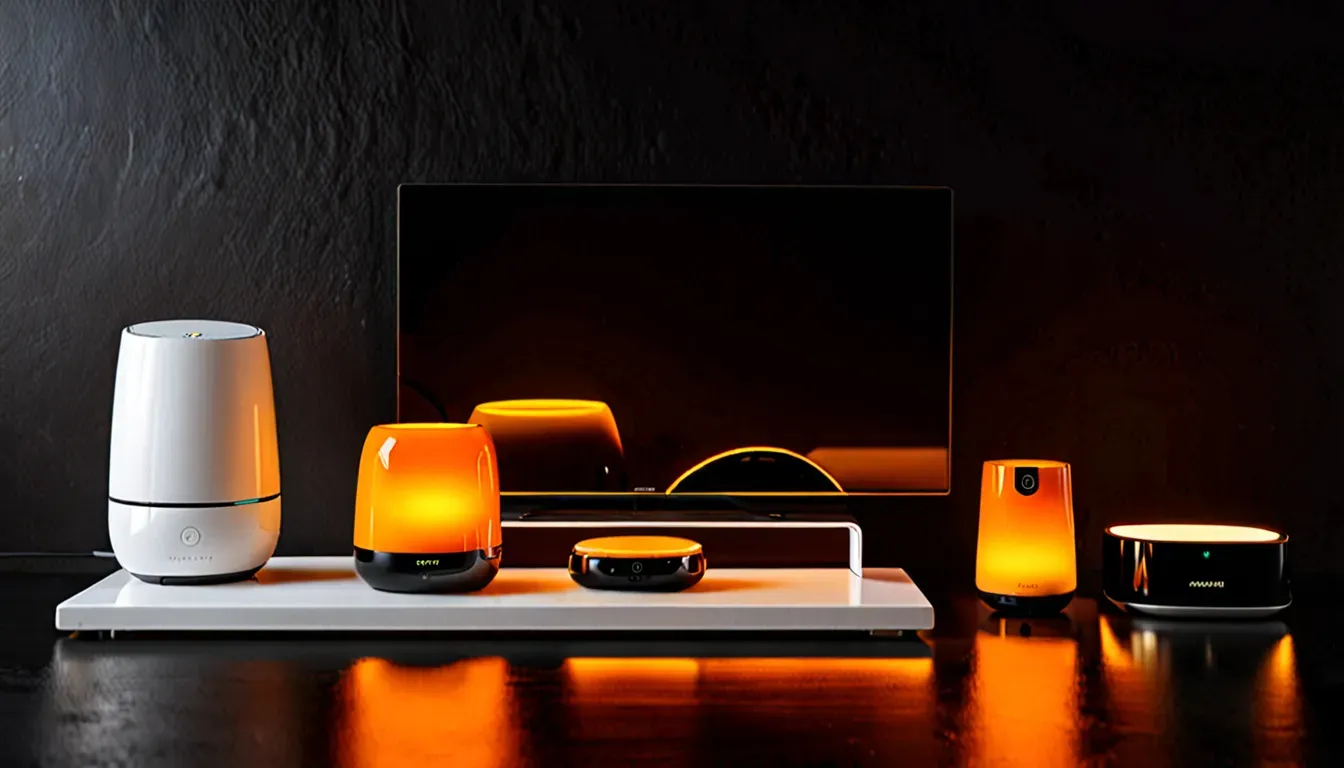
Xiaomi Smart Home is the most popular choice for beginners. The reasons are simple: wide range, affordable prices, and a convenient Mi Home app.
What’s in the Xiaomi Ecosystem
- Smart bulbs from $8 — brightness and color control, scheduling
- Smart plugs from $10 — remote appliance control
- Motion sensors from $12 — automatic lights on/off
- Opening sensors from $10 — door and window notifications
- Mi Smart Home Hub — central controller for a large number of devices
- Roborock robot vacuums (part of the ecosystem) — automatic cleaning on a schedule
- Video cameras from $20 — view your home from your smartphone
Xiaomi Smart Home starter kit: Smart plug + 2 bulbs + door opening sensor = around $50–75. An excellent start without major expenses.
How to Set Up Xiaomi Smart Home
- Download the Mi Home or Xiaomi Home app on your smartphone
- Register or sign in with your Mi account
- Connect the device to power
- In the app tap “+” and select your device
- Follow the Wi-Fi connection instructions
- Set up scenes and schedules
Ajax Smart Home System — Security Above All
Ajax Systems — a Ukrainian company founded in 2011 that sells its wireless security systems in nearly 100 countries. This is not just a smart home — it’s a full security system.
What Makes Ajax Unique
Ajax uses its own Jeweller communication protocol — more reliable than standard Wi-Fi. Signal transmission time is under 15 seconds. The system works even when internet is lost.
Key Ajax components:
- Hub — central controller, connects to the internet
- Motion sensors (Motion Cam, MotionCam Outdoor)
- Opening sensors for doors and windows (DoorProtect)
- Smoke detector (FireProtect) — fire safety
- Video doorbell (DoorBell) — see who’s at the door
- Smart plugs (Socket) — appliance control
Ajax Smart Home connects to security companies via SIA or Contact ID protocols — when triggered, a guard will arrive.
Ajax StarterKit — a ready-made starter package: Hub + motion sensors + opening sensors. Around $150–200.
Google Home and Apple HomeKit — For Those Already in an Ecosystem
Google Home
If you have an Android smartphone and actively use Google services — Google Home will be the natural choice. Google’s voice assistant is built into all Nest smart speakers and most Android devices.
What Google Home supports:
- Thousands of devices from hundreds of manufacturers
- Nest thermostat, Nest Cam, Nest Doorbell
- Everything that supports Matter
- Voice control via Google Assistant
Apple Smart Home (HomeKit)
Apple Smart Home via HomeKit — the most secure option. Apple does not store data about your home automation on its servers — everything is processed locally.
Control via the Home app on iPhone/iPad, voice commands via Siri. HomePod mini serves as the hub.
Downside: fewer device choices and higher prices compared to Xiaomi or Google.
Smart Home Heating System — Where the Real Savings Are
Automating heating is one of the most justified investments in a smart home. A smart thermostat can reduce heating costs by 10–20%.
How It Works
The thermostat learns your schedule: at home — maintains 72°F, you leave for work — drops to 64°F, an hour before you return — raises it again. All automatically.
You can also set different temperatures by zone (if zoning is available) and remotely change the temperature from your smartphone.
Popular Smart Heating Solutions
Fibaro Heat Controller — a smart radiator valve. Installs in place of a regular knob. No renovation required.
Nest Learning Thermostat — learns on its own, adapts to your routine. A premium solution.
Broadlink — an affordable IR climate controller. Suitable for split-system air conditioners.
Smart floor heating — controllers like Danfoss or OJ Electronics integrate into smart home systems via Wi-Fi or Zigbee.
What You Can Automate — Practical Scenarios
Lighting
The most popular solution. Smart bulbs or switches allow you to:
- Turn on/off by motion sensor (you’ll never forget to turn off the bathroom light)
- Adjust brightness by time of day (evening — warmer and dimmer)
- Create “scenes” — romantic evening, work mode, movie watching
- Control by voice or phone from anywhere in the world
Security
- Video doorbell — see who’s ringing even when you’re at work
- IP cameras — view your home from a smartphone in real time
- Opening sensors — notifications if someone opens a window or door
- Smart lock — open the door with your phone, no keys needed
Home Appliances
- Robot vacuum — cleans on a schedule while you’re away
- Smart coffee maker — starts brewing 10 minutes before your alarm
- Smart plug + washing machine — start laundry remotely or on a schedule (cheaper night rates)
Multiroom Audio
Sonos, Yamaha MusicCast, or more budget-friendly solutions allow you to play music simultaneously in different rooms or separately — controlled from your smartphone.
How Much Does a Smart Home Cost

The question everyone wants answered. The honest answer: from $50 to infinity.
Starter kit (~$75–125):
- 2–3 Xiaomi smart bulbs
- 1–2 smart plugs
- Door opening sensor
- No hub required, controlled via phone
Comfortable apartment level (~$375–625):
- Full lighting in 3–4 rooms
- Security sensors
- Smart thermostat or heating controller
- Video doorbell or camera
Full apartment automation (~$750–1500):
- Comprehensive Ajax or Fibaro system with hub
- Full lighting, climate, and security automation
- Video surveillance
- Possible integration with a security company
Full smart home (~$1500–5000+):
- Comprehensive project by specialists
- Wired or hybrid solutions
- Control of all systems: heating, air conditioning, security, lighting, multiroom audio
Smart Home DIY or With Professionals
Do It Yourself If You
- Are starting with wireless Wi-Fi or Zigbee devices
- Are using ready-made solutions (Xiaomi, Google Nest, Ajax)
- Have basic technical skills
- Are on a limited budget
Most modern smart home gadgets are set up in 15–30 minutes using an app.
Call in Professionals If You
- Are planning a wired system (running cables through walls)
- Want full integration of all home systems
- Need connection to a security company (Ajax)
- Have a budget of $1250+ and want a reliable result
Pros and Cons of a Smart Home
Pros
✅ Convenience — control your entire home from one smartphone or by voice.
✅ Security — instant notifications, video surveillance, access control.
✅ Savings — smart heating and lighting genuinely reduce utility bills.
✅ Scalability — start with one bulb, gradually expand.
✅ Increased property value — an apartment with a smart home system is worth more.
Cons
❌ Internet dependency — most systems don’t work when internet goes out (except Ajax and a few others).
❌ Compatibility — not all devices from different brands work well together.
❌ Privacy — data about your behavior at home is collected by manufacturers (except Apple HomeKit).
❌ Initial costs — getting started requires investment even at the basic level.
Frequently Asked Questions (FAQ)
What is a smart home in simple terms? A smart home is a system of devices and sensors that perform household tasks automatically or on command from a smartphone or voice.
Where should a beginner start with a smart home? The best start is one or two Xiaomi smart bulbs or a plug and the Mi Home app. Cost $10–25. You’ll understand how it works and then expand the system.
Is Xiaomi Smart Home worth it? Yes, for getting started — an excellent choice. The most affordable prices, wide range, convenient app. Downside — locked into the Xiaomi ecosystem.
How much does a smart home system cost? From $75 for a basic start to $5000+ for full home automation. A comfortable level for an apartment — $375–625.
What is Ajax Smart Home? Ajax is a Ukrainian security system with smart home elements. The main focus is protection: sensors, alarms, video doorbell. Integrates with security companies.
What’s better — Xiaomi or Ajax for a smart home? Different use cases. Xiaomi — for comfort and household automation. Ajax — for security and protection. The optimal approach is to combine: Xiaomi for lighting and appliances, Ajax for security.
Can you set up a smart home yourself? Yes, for wireless systems (Xiaomi, Google Nest, individual Ajax devices) — entirely realistic on your own. Most are configured through an app without specialized knowledge.
Conclusion — How to Start Your Smart Home Right Now
A smart home in 2026 is not about expensive systems and complex installations. It’s about your specific needs and steps in the right direction.
Getting started algorithm:
- Choose one task (security, lighting, climate)
- Buy one or two devices in your chosen ecosystem
- Set it up through the app (takes 20–30 minutes)
- Evaluate the result and gradually expand
It’s never too late to start and you don’t need a large budget. One smart bulb for $10 is already a step toward a smart home.
At TechVisor we continue our gadget reviews. The next article — “Best Headphones 2026 — Rankings and Reviews“.
Article prepared by the TechVisor team — practical IT media for people.