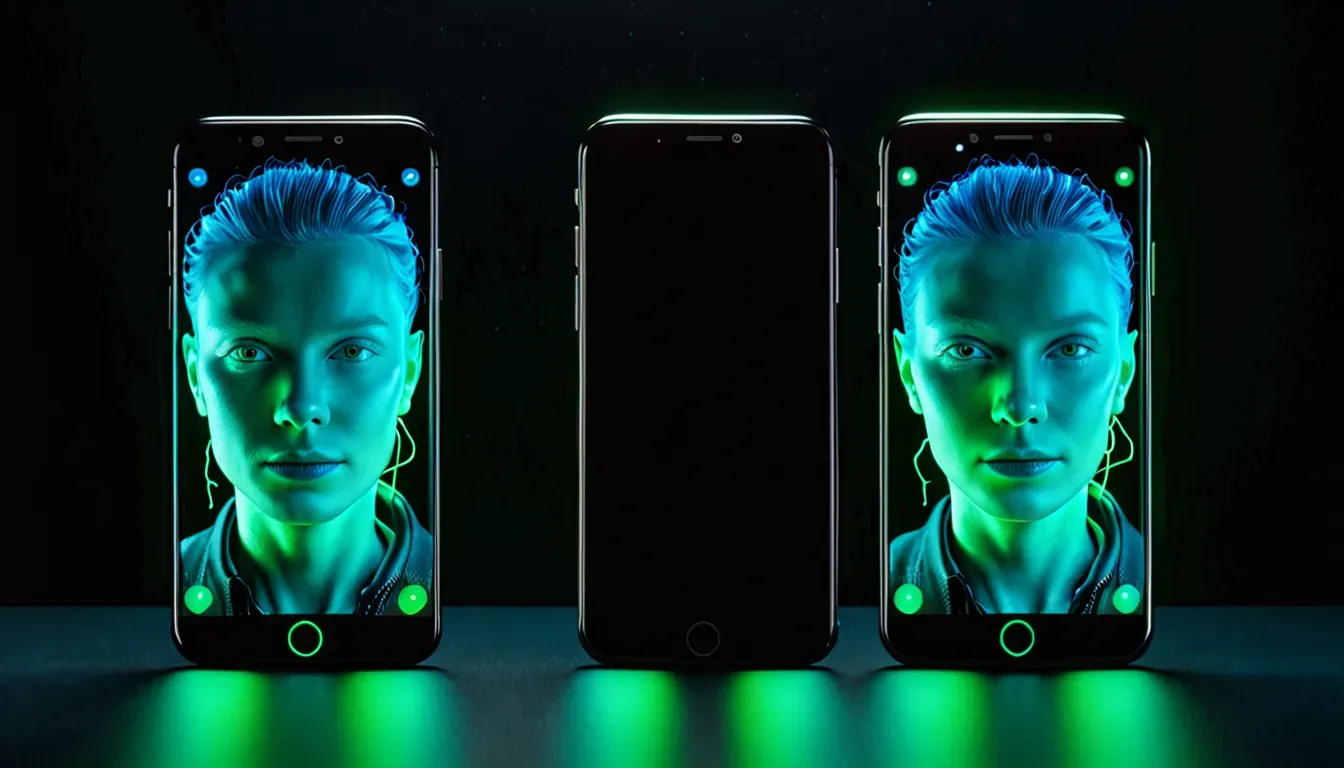

On April 25, 2026, Google quietly, without a major presentation, rolled out a new AI Enhance button in Google Photos for all Android users. One tap — and artificial intelligence automatically analyzes the photo and applies lighting, shadow, and color correction. No settings, no sliders. Just “AI Enhance” — and done.
Where to find the button and how to use it
AI Enhance appeared in the Auto tab of the Google Photos editor — next to the already existing Enhance and Dynamic buttons. To use it:
- Open any photo in Google Photos
- Go to editing (the pencil icon)
- Select the Auto tab
- Tap the AI Enhance button
- The image is processed and immediately shows the result
Important: the feature does not work in fully offline mode. Even if part of the processing happens on the device, an internet connection is required. Google hinted at this with the wording “result depends on the device” — meaning more powerful smartphones perform more work locally, while less powerful ones rely more on the cloud.
What AI Enhance actually does to photos

What it does well
The GSMArena team tested the feature and noted several areas where AI Enhance genuinely helps:
- Recovering highlight details: overexposed areas — sky, windows, bright surfaces — become more detailed without becoming unnecessarily dark
- Lifting shadows: details in dark areas of the photo become more visible without turning into noise
- Light color correction: the sky becomes slightly brighter, green tones more saturated, but without aggressive oversaturation
- Fixing problematic lighting: shots taken under artificial or mixed lighting get a more balanced color temperature
What it does modestly
“Nothing extraordinary” is GSMArena’s honest assessment. AI Enhance does not transform an average shot into a masterpiece. It does not fix blur, does not remove noise in dark scenes, and does not bring quality close to RAW processing. It is a subtle improvement tool, not a radical correction tool.
At the same time, this restraint is exactly its advantage: the photo looks a little better, but still natural. Without the typical “AI effect” of overplayed colors and unrealistic HDR.
How it differs from the regular Enhance button
Google Photos already has an Enhance button — so a logical question arises: why is AI Enhance also needed?
The difference is in the approach:
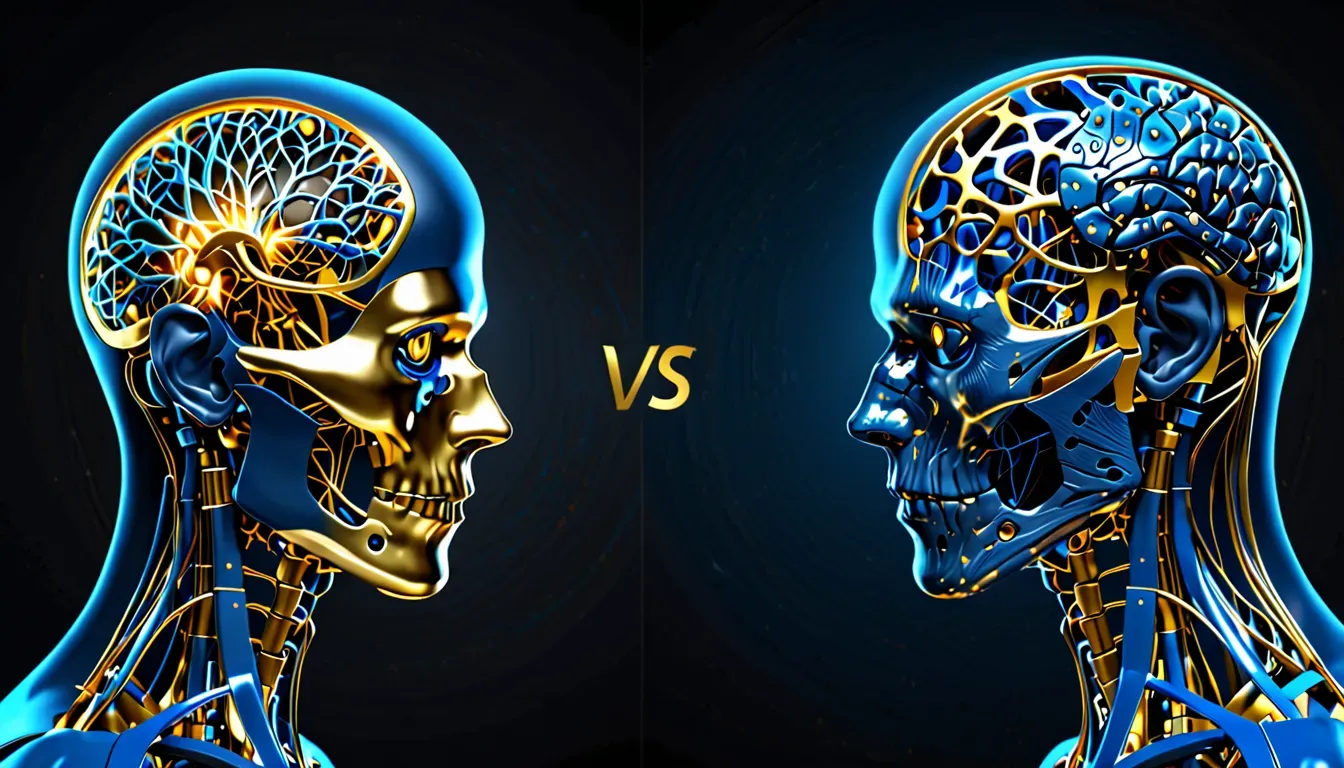
- Enhance — a classic rule-based algorithm: it applies fixed corrections to brightness, contrast, and saturation. The result is predictable, but standard.
- AI Enhance — a neural network analyzes the specific image as a whole: it recognizes the scene type (portrait, landscape, night shot), identifies problem areas, and applies targeted corrections tailored to that specific shot.
Put simply: Enhance is like a standard recipe, while AI Enhance is like a chef who looks at the specific dish and decides what needs to be fixed.
Who already has similar features
Google Photos is far from the first. Competitors with similar AI tools have long been in the field:
- Samsung Galaxy AI (One UI 7) — Photo Remaster restores details and improves the quality of old photos
- Apple Photos (iOS 18) — Smart Enhance and Photographic Styles with computational HDR
- Xiaomi HyperOS — Photo Enhancement based on in-house neural networks
- Lightroom for Android — AI Denoise and Auto Enhance with cloud processing
Against this background, Google Photos AI Enhance does not look like a breakthrough — but it is a built-in feature in a free app installed on billions of Android devices. Its strength is not in the technology, but in the reach.
Context: Google is actively expanding AI in Photos

AI Enhance is not a standalone novelty. Over the past few weeks, Google has updated Photos with several AI features at once:
- Facial touch-up — quick face retouching with one tap (announced earlier in April 2026)
- Gemini + Photos — Gemini can now generate personalized images based on your Google Photos library
- AI Enhance — general photo improvement (the current news)
This is part of Google’s broader strategy: turning Photos into not just a storage service, but a full-fledged AI editor where artificial intelligence removes routine work. The result: less time spent on manual editing, more natural-looking results.
Are there subscription limitations
At the moment, AI Enhance is available for free to all Android users without a Google One subscription. This is an important detail: many AI features in Google Photos still require a paid plan.
However, Google has not promised that this will always remain the case. If the feature stays free — that is a positive signal. If it is moved behind a paywall in the future — this line will become a bitter reminder for those who got used to free access.
For now — use it for free while you still can.
In brief: the key things about Google Photos AI Enhance
- What’s new: the AI Enhance button in the Auto tab of the Google Photos editor
- For whom: all Android users, for free
- What it does: improves lighting, shadows, and colors; restores detail in overexposed and dark areas
- What it does not do: does not fix blur, does not remove heavy noise, does not replace manual editing
- Offline: does not work without the internet
- The result depends on the device: part of the processing is done on the smartphone chip
- Different from Enhance: analyzes the specific photo as a whole instead of applying a template
Article prepared by the TechVisor team — practical IT media for people.