
ChatGPT is one of the most popular AI tools in the world, but for a beginner even the first step can seem unclear: where to register, whether it can be used for free, and how Plus differs from Pro. We have put together a step-by-step guide on how to use ChatGPT in Ukraine — from registration to generating images and presentations.
What ChatGPT Is and How It Works
ChatGPT is an artificial intelligence-based chatbot from OpenAI. In simple terms: you write a request in ordinary language (by text or voice), and the model analyzes it and generates a response — text, an explanation, code, an email draft or even an image.
As of July 2026, the newest generation of models in ChatGPT is the GPT-5.6 lineup (Sol, Terra and Luna versions), released on July 9. We covered the capabilities of each version in more detail in a separate article.
How to Register for ChatGPT in Ukraine

You can register for ChatGPT in Ukraine without restrictions — the service is officially available.
Through a Browser
The easiest way is to go to chatgpt.com, click “Sign up” and create an account using email, a phone number or sign-in through a Google/Apple/Microsoft account. Registration takes less than two minutes.
Through the Mobile App
The official ChatGPT app is available in the App Store and Google Play — just search for “ChatGPT” (the app from OpenAI, with the official icon). Installation and sign-in work the same way as in the browser version — your account syncs across devices.
First Steps: How to Use ChatGPT After Registration
After signing in, you immediately land in the chat — just start writing your request in the field at the bottom of the screen. Your conversation history is saved on the left, so you can return to previous chats.
The main practical question for beginners is which version to choose:
- Free — access to the basic GPT-5.5 model with a limited number of messages. Enough for simple everyday tasks.
- Go ($8/month) — more messages and longer conversation memory, but without access to the flagship Sol model.
- Plus ($20/month) — the first tier with access to the flagship GPT-5.6 Sol model, as well as advanced tools such as ChatGPT Work and Codex.
- Pro ($100 or $200/month) — for intensive professional use, with expanded limits and additional capabilities such as unlimited Sora video generation (in the $200 version).
For most ordinary tasks, the free version or Plus is enough.
How to Write a Good Prompt for ChatGPT: 5 Points

The quality of the answer directly depends on how clearly the request is formulated. Five simple principles of a good prompt:
- Context — explain who you are and why you need the answer (for example, “I am preparing a presentation for clients who do not understand technical details”)
- Specific task — clearly say exactly what needs to be done, rather than simply “write about X”
- Response format — specify whether you need a list, table, short paragraph or extended text
- Constraints — indicate length, style, language or other boundaries
- Example (optional) — if you have a sample of the desired result, add it to the request
We have collected ready-made prompt examples that really save time on everyday tasks in a separate article.
Additional Capabilities: Images and Presentations
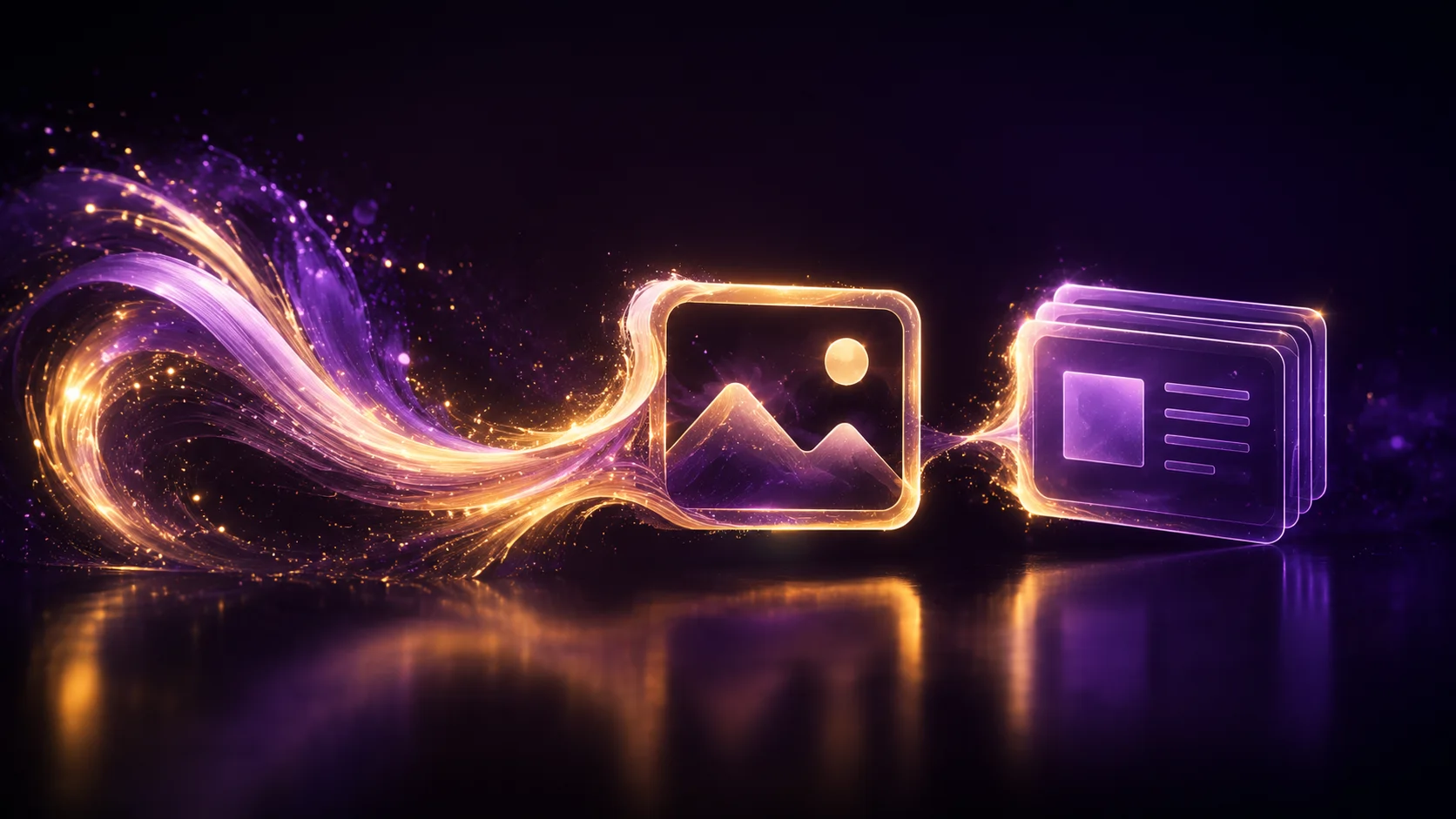
ChatGPT can do more than text. To generate an image, simply describe the desired picture directly in the chat — the model creates an image using the built-in generator.
For a presentation, describe the topic, structure and audience, and ChatGPT will generate slide-by-slide text content that you can then transfer to PowerPoint, Google Slides or Canva. The basic version does not yet create a fully finished presentation file automatically — it is more of a helper for content and structure than a design tool.
How to Check Whether Text Was Written by ChatGPT
There is no clear and reliable method with 100% accuracy — and it is worth saying this honestly right away. AI-text detectors (including those offered by OpenAI itself) regularly make mistakes in both directions: they miss AI-generated text and falsely mark human-written text as generated.
Indirect signs people look for include overly even sentence structure, a lack of personal details or mistakes, and cliché phrases typical of synthetic writing. But none of these signs is proof — so in an academic or professional context, relying only on “gut feeling” or an automatic detector is risky.
Updates and Subscription: Common Questions
The app and website update automatically — you do not need to install anything separately; new features and models appear on their own within your plan.
If you need to cancel a subscription or request a refund, this is done through the account settings section (Settings → Subscription). Refund terms depend on how much time has passed since payment and on App Store/Google Play policies if the subscription was purchased through them rather than directly on the website.
In Brief: The Key Points
- ChatGPT is officially available in Ukraine, with no registration restrictions
- You can register through the browser (chatgpt.com) or the official app
- Free — basic GPT-5.5 model with limits; Plus ($20) — the first tier with the flagship Sol model
- A good prompt = context + specific task + format + constraints
- ChatGPT can generate images and presentation content directly in chat
- There is no reliable way to identify AI text with 100% certainty
FAQ
How do I register for ChatGPT in Ukraine? Through chatgpt.com or the official app in the App Store/Google Play. Registration is available by email, phone or Google/Apple/Microsoft account.
Can ChatGPT be used for free? Yes, the free version gives access to the GPT-5.5 model with a limited number of messages.
How do I create a presentation in ChatGPT? Describe the topic, structure and audience — ChatGPT will generate slide-by-slide text content that needs to be transferred to PowerPoint, Google Slides or Canva.
How do I generate pictures in ChatGPT? Simply describe the desired image in text directly in the chat — the built-in generator will create a picture based on the description.
How can I check whether text was written by ChatGPT? There is no 100% reliable method — even official AI-text detectors regularly make mistakes. You can only look for indirect signs, without any guarantee of accuracy.
How do I get a refund for a ChatGPT subscription? Through Settings → Subscription in your account. Refund terms depend on whether the subscription was purchased directly on the website or through the App Store/Google Play.
The article was prepared by the TechVisor team — practical IT media for people.